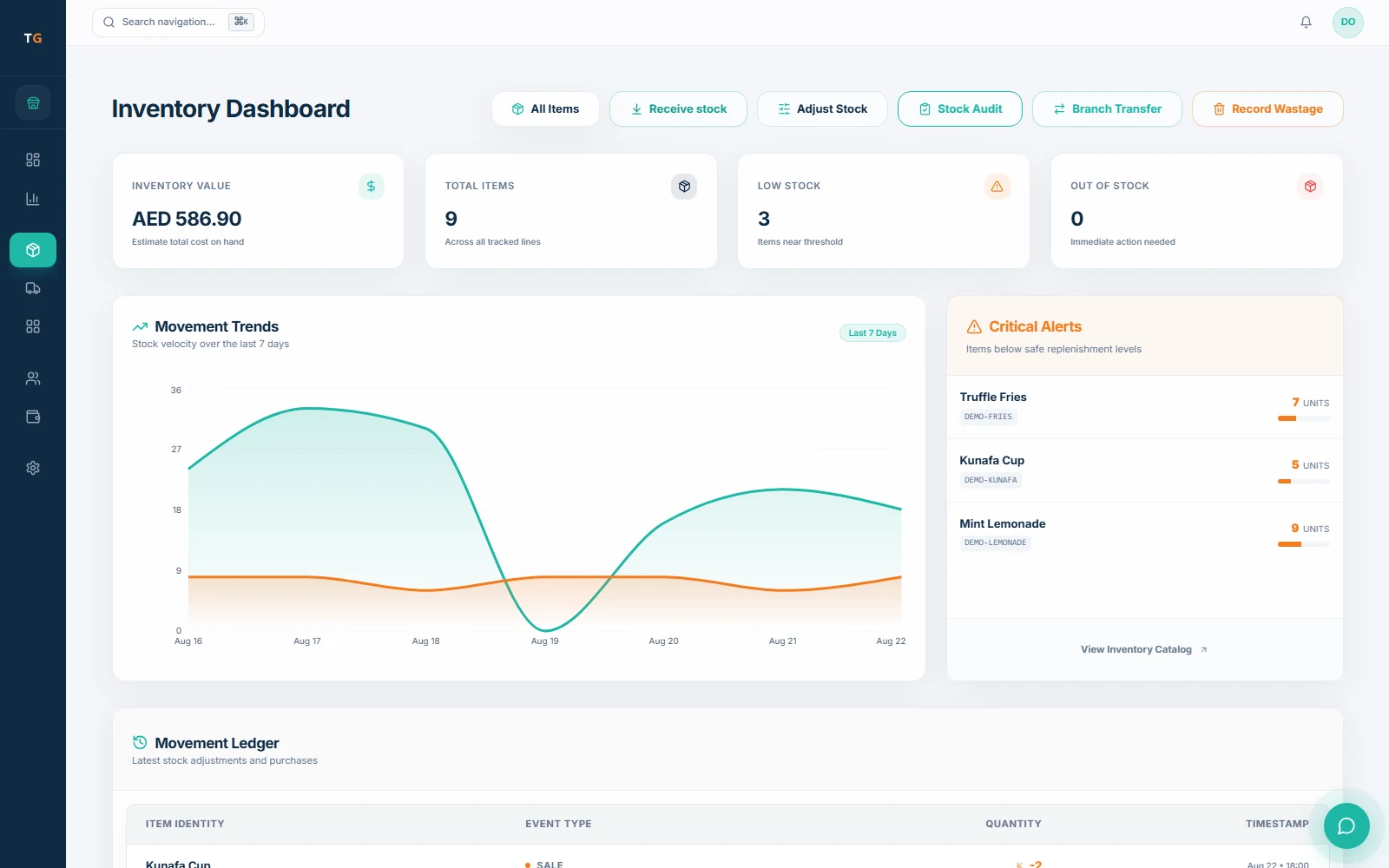
Know what is low, what moved and what is sitting unused.
Track ingredient use through sales once recipes and stock rules are set up. Review low-stock alerts and items sitting unused before deciding what to replenish.
Recipe-linked movementLow-stock controlDays idleEstimated value
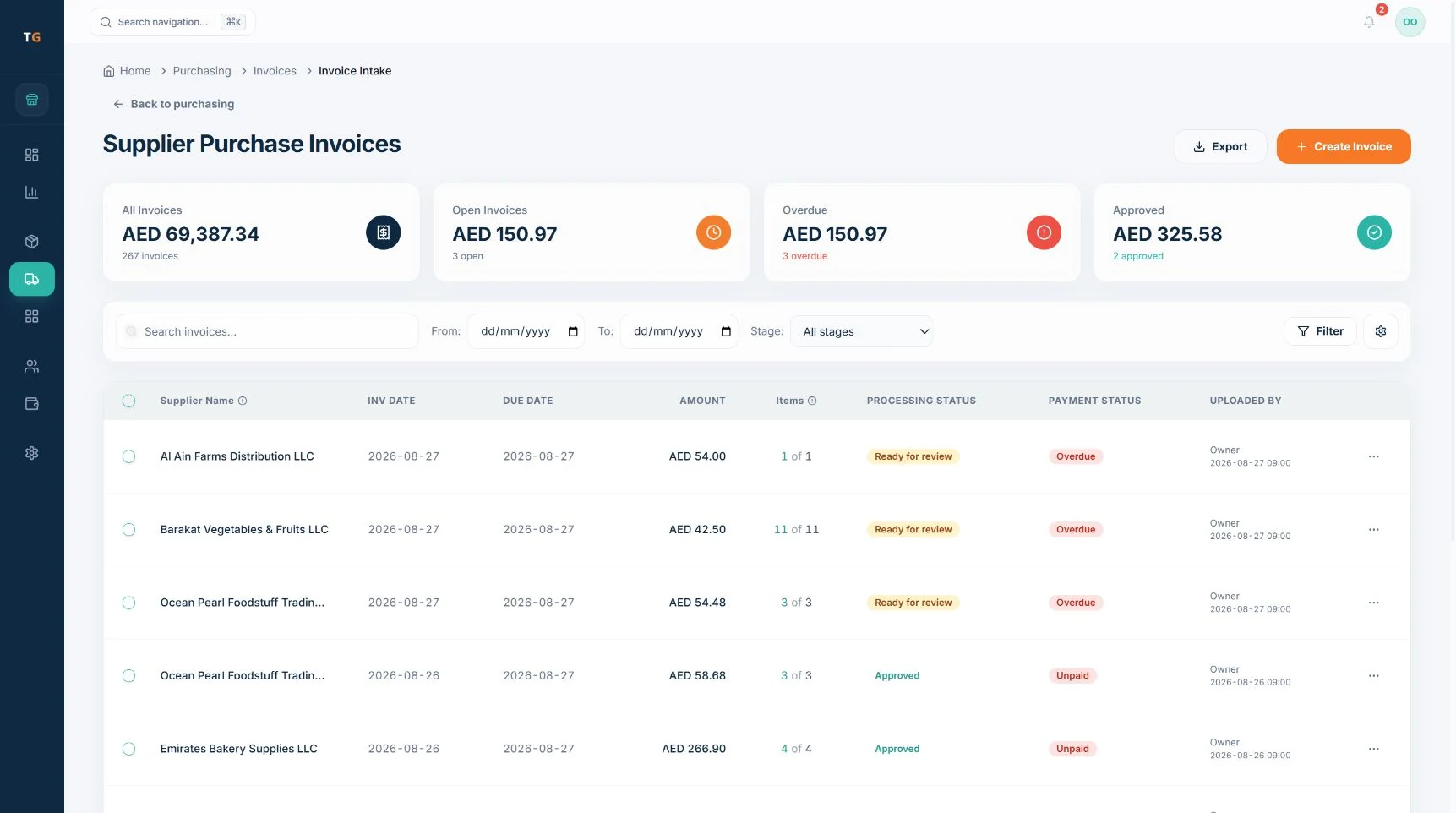
Check what you ordered, received and were invoiced for.
Compare purchase orders with deliveries and supplier invoices. Check quantities and item matches, resolve differences, then approve the next receiving or posting step.
Purchase order approvalReceiving confirmationInvoice item matchingDuplicate movement check
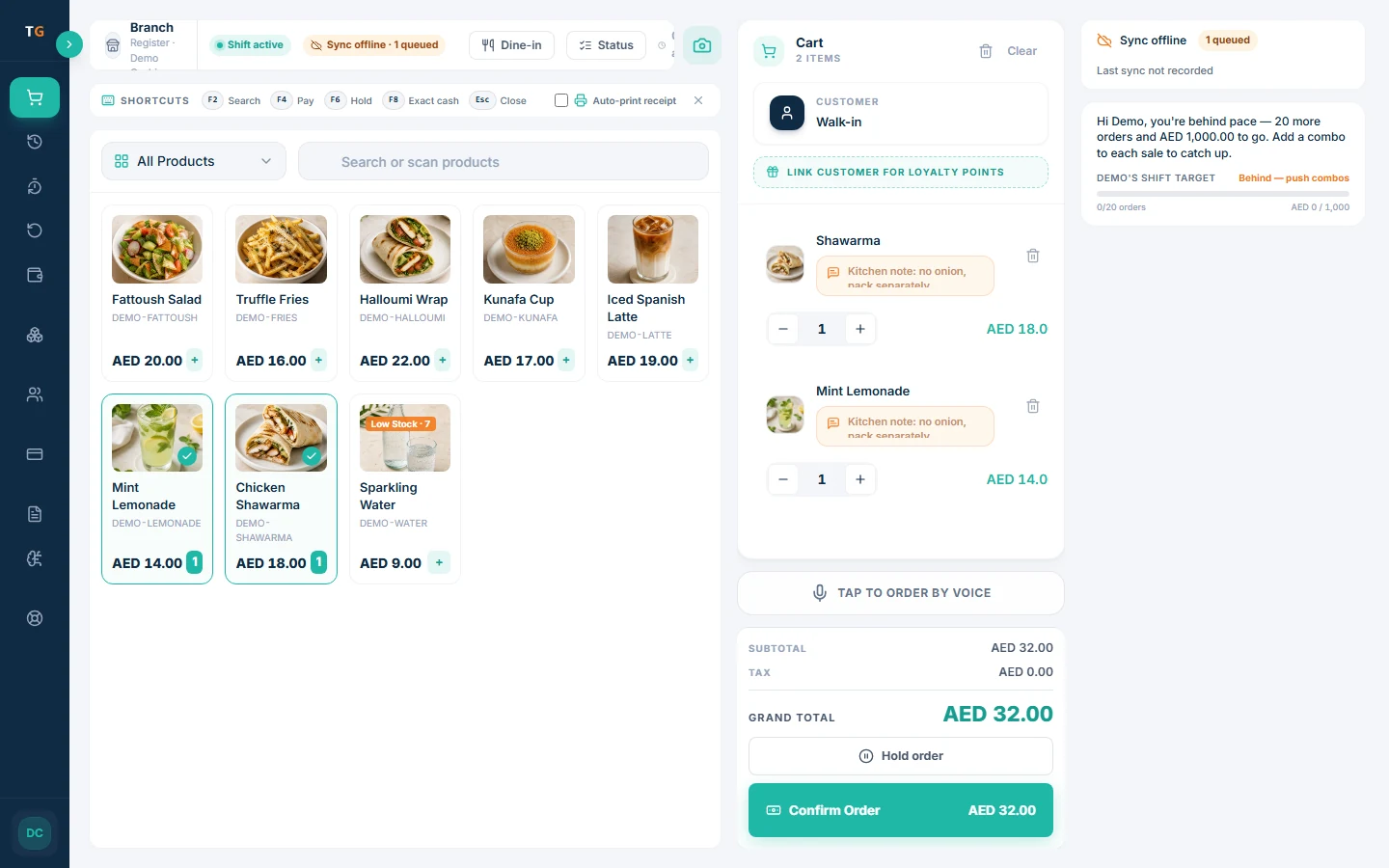
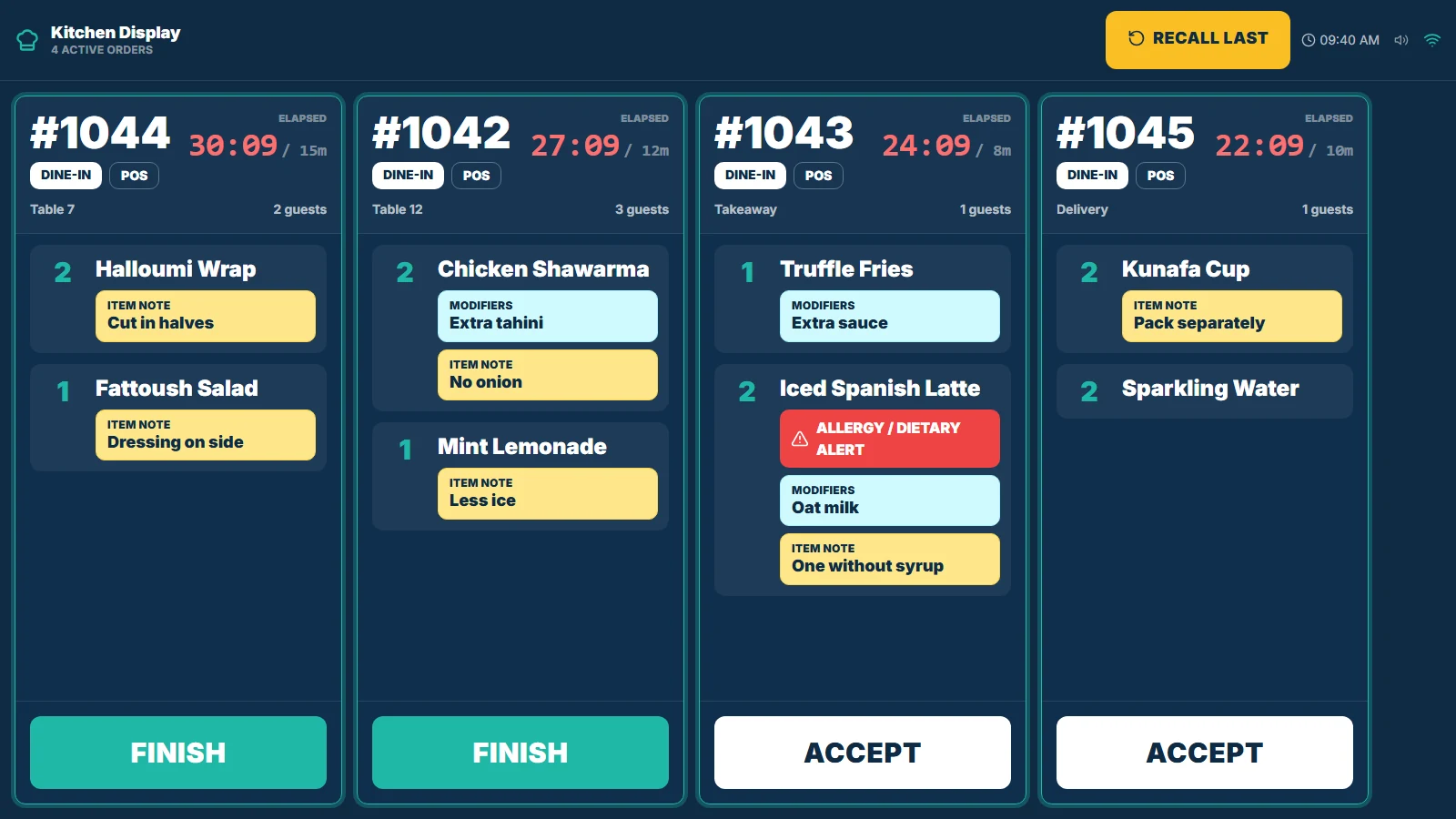
For example: when a menu item is sold, its configured recipe connects the sale to ingredient use. Staff review low stock and decide what needs reordering.
See items with no recent completed sales and review their estimated value.
Buyer questions
Questions before you choose.
TajerGo publishes device compatibility, setup, connectivity and plan coverage so you can check them before choosing. Bring your shortlist to the demo.
Can I use TajerGo with my existing devices?+
TajerGo runs on tablet terminals, receipt printers and kitchen devices, and we check each model against the job it needs to do. Bring your terminal, printer and kitchen-device models so we can confirm compatibility before you commit.
More detailsCan you move my menu, stock and customer records?+
We review a sample export from your existing system, then agree what can be imported and what needs preparation. Opening stock, customer balances and historical records need separate checks.
More detailsWhat works when the internet goes down?+
Offline behaviour varies by device and workflow. Ask us to demonstrate the sales tasks you need without a connection, then show how records synchronize after reconnection.
More detailsWhich delivery, payment and accounting integrations are available?+
Availability depends on the provider and the connection required. Share the providers you use so we can confirm each supported connection, its limits and any extra cost before rollout.
More detailsDoes TajerGo support Arabic and UAE VAT settings?+
TajerGo includes Arabic and right-to-left foundations, plus AED, VAT and TRN configuration. Review the screens and receipt setup your team needs during the demo; confirm tax treatment with your adviser.
Bring your menu, a supplier invoice with sensitive details removed, or your biggest stock question. In a 30-minute demo, we will show the relevant screens and discuss setup and pricing.