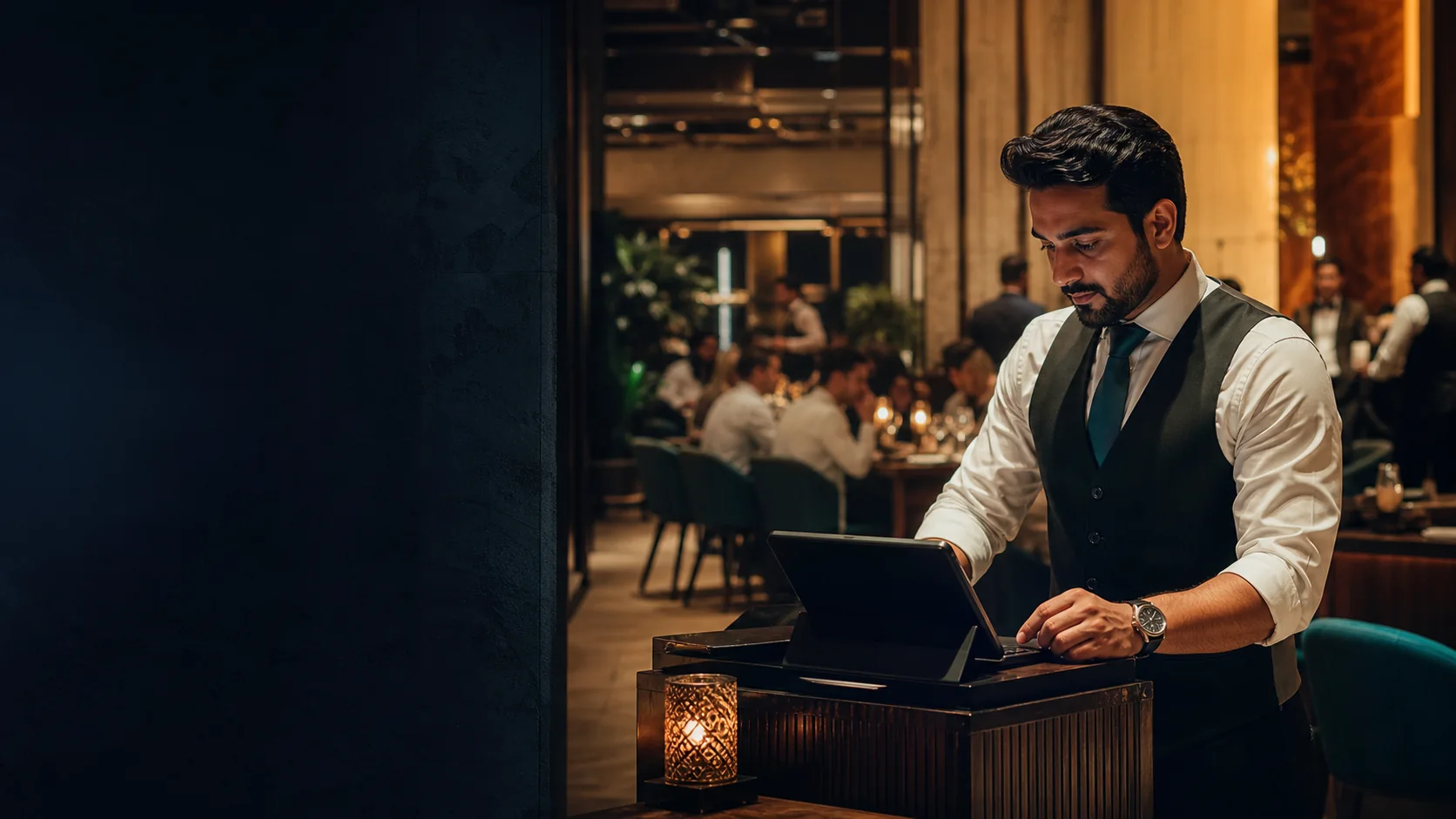
Set up the way you serve
Map dine-in, counter, takeaway, menu choices, and the checks your team uses. Confirm the exact service model during the demo.
Restaurant & F&B POS · UAE
Use one restaurant and food and beverage POS record for table and counter orders, kitchen handoff, stock activity, purchasing, and owner follow-up. Bring your menu, service model, and branch plan so the demo can test the workflow your operation actually needs.
Free plan, AED 0. No card needed.
In short
TajerGo brings billing, table and counter service, KDS, stock, purchasing, Arabic and VAT configuration into one operating record for UAE F&B teams. Hardware, payments, migration, implementation and support are confirmed against the proposed setup before go-live.
A practical buying test
Use the same operating scenario with every shortlisted system. Confirm what the team records, what reaches the kitchen, and what remains available for manager review.
01 · Front-of-house flow
TajerGo builds the order where service starts and sends the confirmed guest request and preparation details forward. The next station reads the order instead of rebuilding it.
Map dine-in, counter, takeaway, menu choices, and the checks your team uses. Confirm the exact service model during the demo.
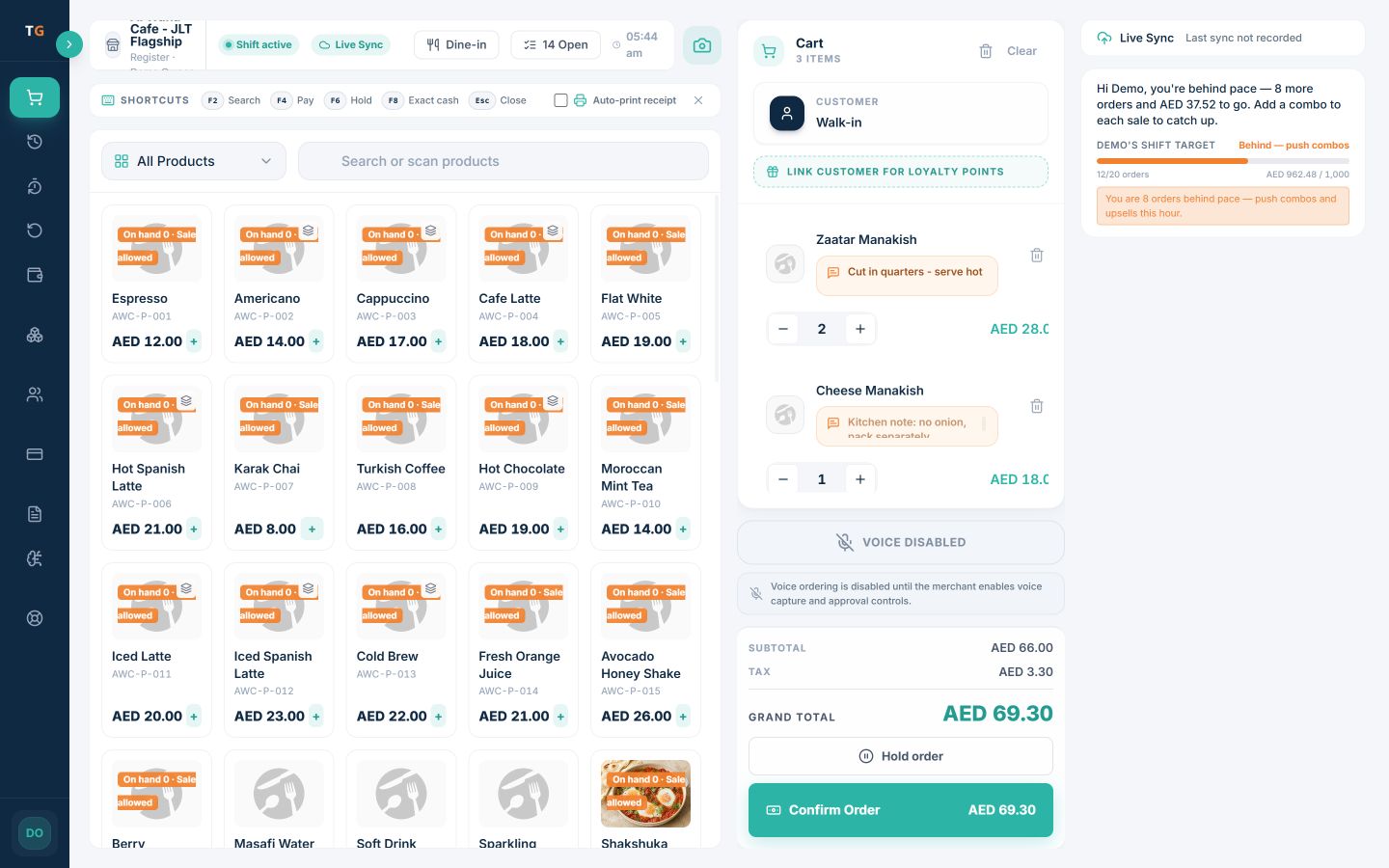
Show selected items, quantities, notes, and the running order value before the team completes the sale.
Explore POS and billingReview the supported kitchen routing, preparation notes, and station view against a real order from your menu.
See kitchen displayConfirm the shift, manager, and branch controls each role needs without crowding the everyday order path.
Bring two real orders so the walkthrough can check choices, notes, cart review, kitchen handoff, receipt setup, and owner follow-up.
See the operating record
TajerGo keeps the order, the stock record and the purchasing record connected. The order captures what was sold, inventory shows what needs attention, and purchasing records what is being reviewed, ordered and received.
Keep the menu, cart, dine-in context, quantities, and kitchen notes together while the cashier or waiter confirms the order.
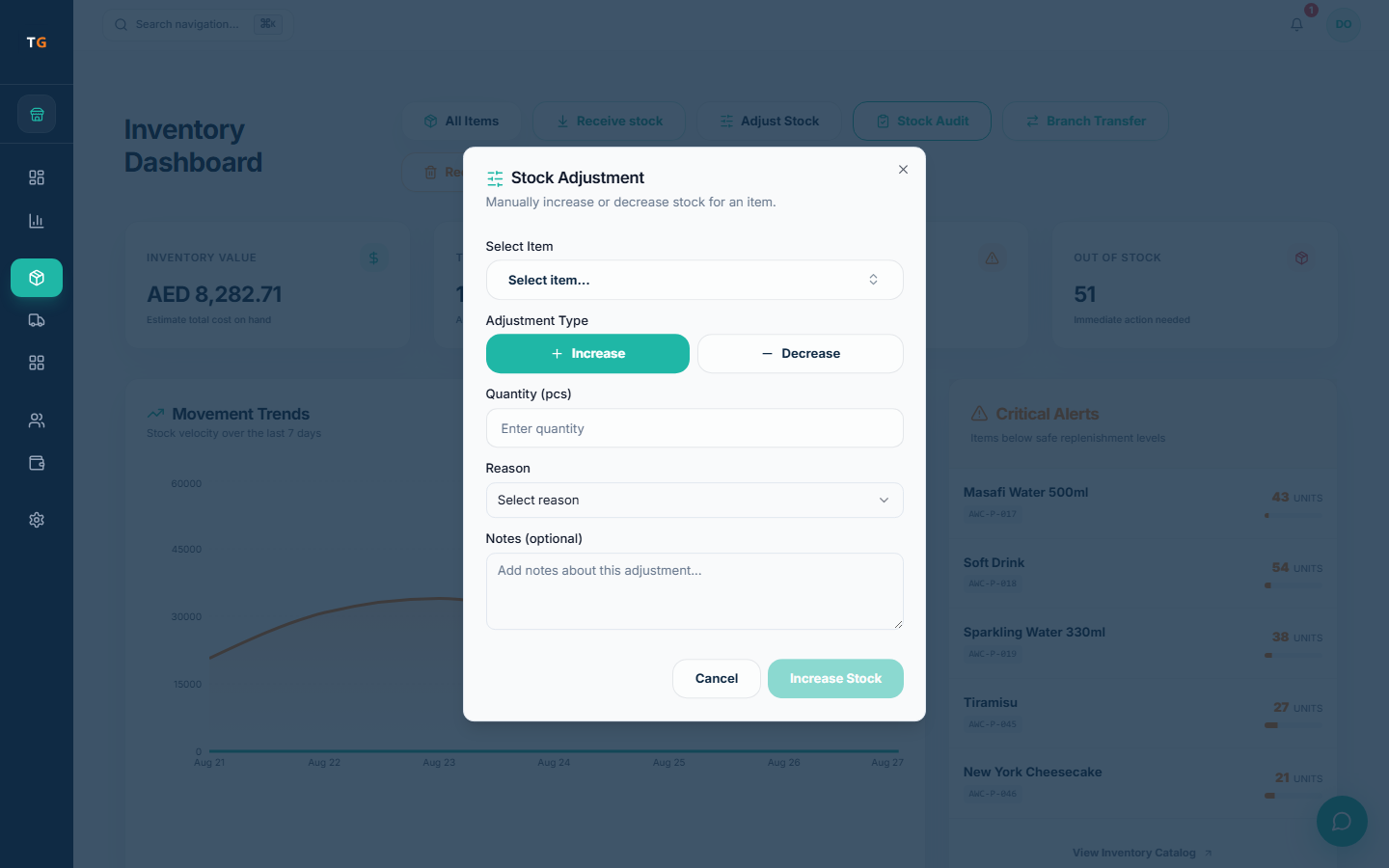
Use receiving, stock audits, transfers, wastage records, and low-stock attention to keep the inventory review close to restaurant operations.
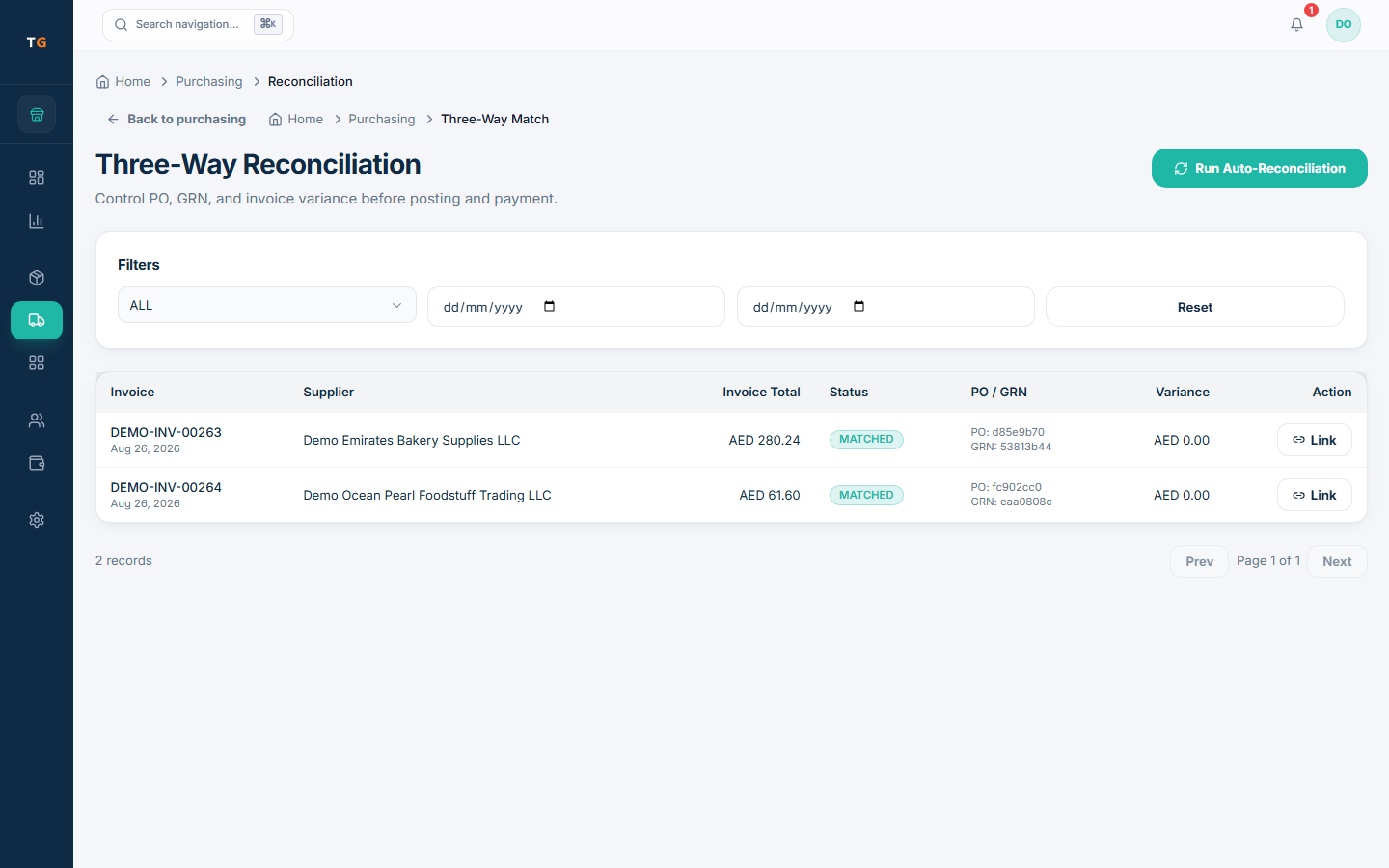
Keep invoices that need review, draft purchase orders, expected receipts, and supplier activity visible so the owner or manager can open the next detail with context.
UAE setup, checked before go-live
TajerGo configures receipt, language, access, branch and connectivity behavior for your restaurant. Confirm each one in the demo and setup review; your restaurant and tax adviser remain responsible for the final tax treatment and filing position.
Configure AED, tax treatment, TRN, and receipt details, then review the result with your adviser before go-live.
Confirm the supported cashier, manager, owner, receipt, and right-to-left surfaces your team expects to use.
Test the supported device, payment, printing, queue, and sync scenario before agreeing the rollout plan.
Review active-branch setup, responsibilities, permissions, and the records an owner needs across the proposed configuration.
List each intended terminal, printer, kitchen screen, payment path, and network condition, then confirm the supported combination before purchase or rollout.
Agree the data scope, setup work, training, acceptance checks, support channel, and responsibilities in writing before choosing a go-live date.
A controlled switch
TajerGo starts the switch from the restaurant you run today. Agree what can move, what needs cleanup, how each role will rehearse and what support is required before setting a cutover date.
Plan your switchMap menus, modifiers, tables, branches, customers, opening stock, suppliers, and the exports available from the current system.
Confirm import scope, hardware, receipt and tax setup, kitchen flow, roles, and supported offline expectations.
Walk cashiers, waiters, kitchen teams, managers, and owners through the scenarios each role must handle.
Agree the cutover sequence, opening checks, go-live support, and handover before changing the live operation.
Published pricing
FreeAED 0
Paid plans start atAED 99per active branch each month
One Business Account keeps active branches on one plan and billing relationship. Prices exclude VAT, if applicable.
Restaurant POS UAE questions
TajerGo runs dine-in, counter and takeaway service in one POS workflow. Bring one real scenario from each service mode you use so tables, choices, notes, handoff and receipt behavior can be confirmed before rollout.
See TajerGo on your restaurant workflow
TajerGo walks through service, kitchen handoff, stock and purchasing follow-up, receipt setup and the owner review your restaurant needs. Bring two real orders and one stock problem so the walkthrough runs on your own data.
Your 30-minute walkthrough
Built around the way restaurants work
TajerGo connects the dining room, counter, kitchen, stockroom, purchasing and owner follow-up on one record. Review how they fit together for your restaurant.